How to read EPUB files on Android without an app
Yes, Android can open an EPUB without an app. Open ReadHere in Chrome, tap to choose the .epub, and read it right in the browser. The file stays on your phone and works offline.
EPUB files often arrive from a course, publisher, public-domain library, or a download you already own. Android does not always provide a useful default way to read one, which can make a simple file feel like it needs another app. A browser reader is a lighter option.
Read an EPUB on Android in three steps
- Open ReadHere in Chrome or another modern browser on your phone.
- Tap to choose the .epub from Downloads, Files, or another folder on the device.
- Open the book from your library and start reading, highlighting, or taking notes.
Open an EPUB on a Samsung, Xiaomi or other Android phone
The steps are the same on every Android phone. What changes is where your downloads live:
- Samsung: My Files, then Downloads.
- Xiaomi, Redmi and POCO: the File Manager app, then Downloads.
- Pixel and most others: Files by Google, then Downloads.
If you tap the EPUB there and your phone says it can't open the file, that is normal. No app on the phone is set up for EPUB yet. Open ReadHere in your browser instead and choose the file from inside the reader. Chrome, Samsung Internet and Firefox all work.
Make it easy to return to
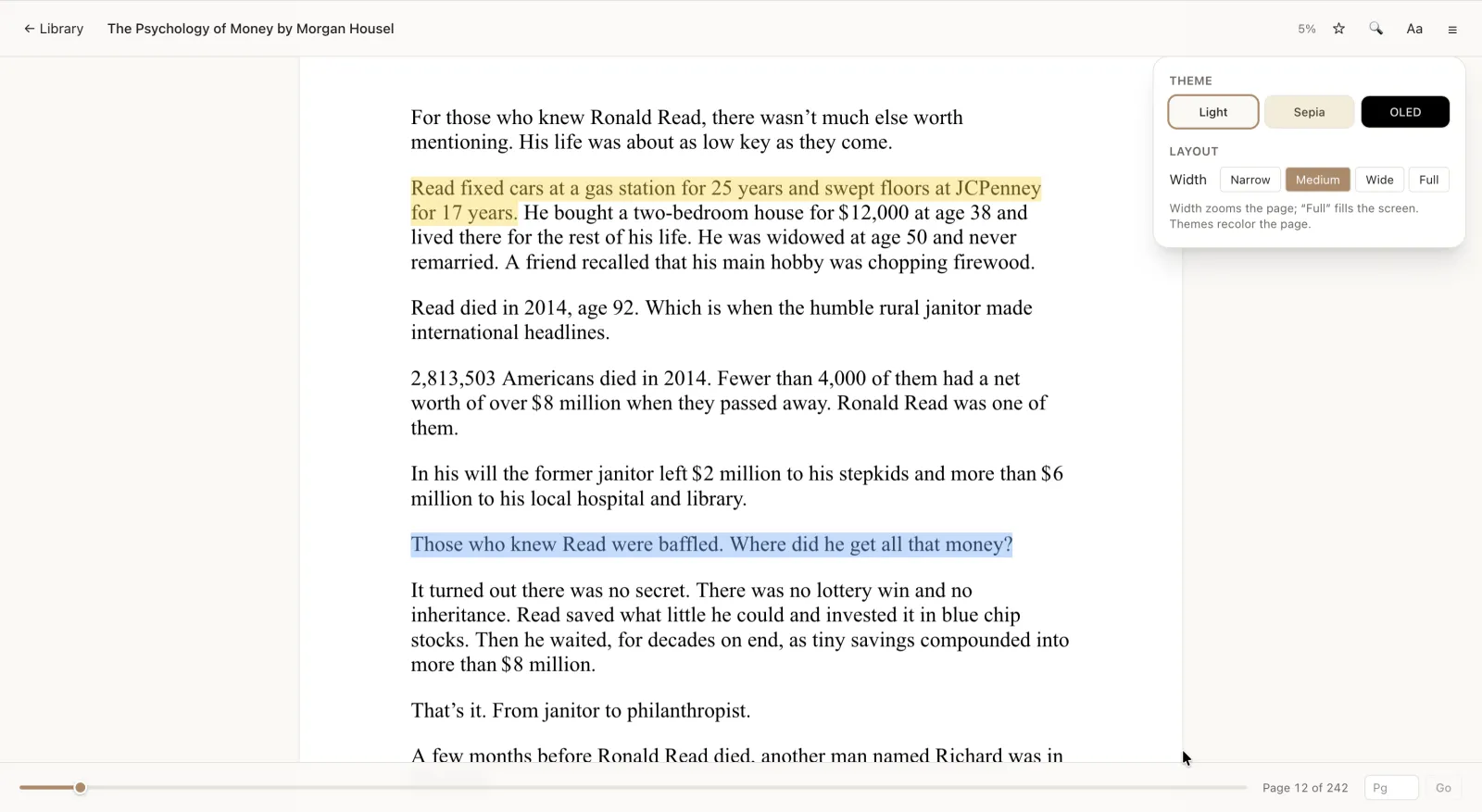
After opening the reader once, use your browser's Add to Home screen or Install app option. It creates a launcher shortcut, so you can return to your library without searching for a download or installing a separate reader from an app store.
What works on your phone
- Reflowable pages that fit your screen, plus a table of contents and in-book search.
- Highlights in four colors, notes, and a per-book journal.
- Fonts, text size, and light, Sepia, or OLED-dark reading themes.
- Offline reading after you have added and opened the book.
Privacy and cross-device reading
On the free tier, the EPUB stays in the browser on your Android device and is not uploaded to a ReadHere server. If you later want the same library on another device, Pro backs it up to your own Google Drive. For an Apple-platform comparison, see the Apple Books alternative guide.
Need the desktop version of this workflow? See how to read an EPUB in any browser.
Common questions
Can Android open EPUB files without an app?
Yes. Open ReadHere in a modern Android browser, choose a DRM-free EPUB from your files, and read it in the browser. No app-store reader is required.
Can I read an EPUB offline on Android?
Yes. Add and open the EPUB while connected, then it remains in the browser library with its highlights, notes, and reading position available offline.
Can I add the reader to my Android home screen?
Yes. In Chrome, use the browser menu and choose Add to Home screen or Install app when offered. It gives you a faster way back to the same browser reader.
Will books bought from an ebook store work?
ReadHere opens standard DRM-free EPUB files. Store purchases protected by DRM must stay in the store’s authorized app.
Does EPUB work on Android?
Yes. Android phones can read EPUB files, but most do not come with a reader for them. Open ReadHere in Chrome or another browser and choose the EPUB to read it with no extra app.
Why does my Android phone say it can’t open the EPUB file?
Tapping an EPUB in Files or Downloads only works when an app is set up to open that type. Open ReadHere in your browser first, then choose the file from there and it opens.
Open an EPUB on your Android phone
Choose the file, open it in your browser, and read free without installing another reader.