How to open PDFs from Google Drive in your browser
Google Drive is useful for storing PDFs, but its preview is not a full reading workspace. Use it to keep the file, then open the PDF in a browser reader for highlights, notes, and offline reading.
A PDF in Drive is easy to find but awkward to study. The preview gives you pages, but not a reading-focused place to keep highlights, notes, themes, and your progress. ReadHere fills that gap without asking you to move your entire Drive to another service.
Open a Drive PDF in three steps
- Find the PDF in Google Drive and download it, or drag it from the Drive folder on your computer.
- Open ReadHere and drop the PDF into your library.
- Open the cover to read, search, highlight passages, and write notes.
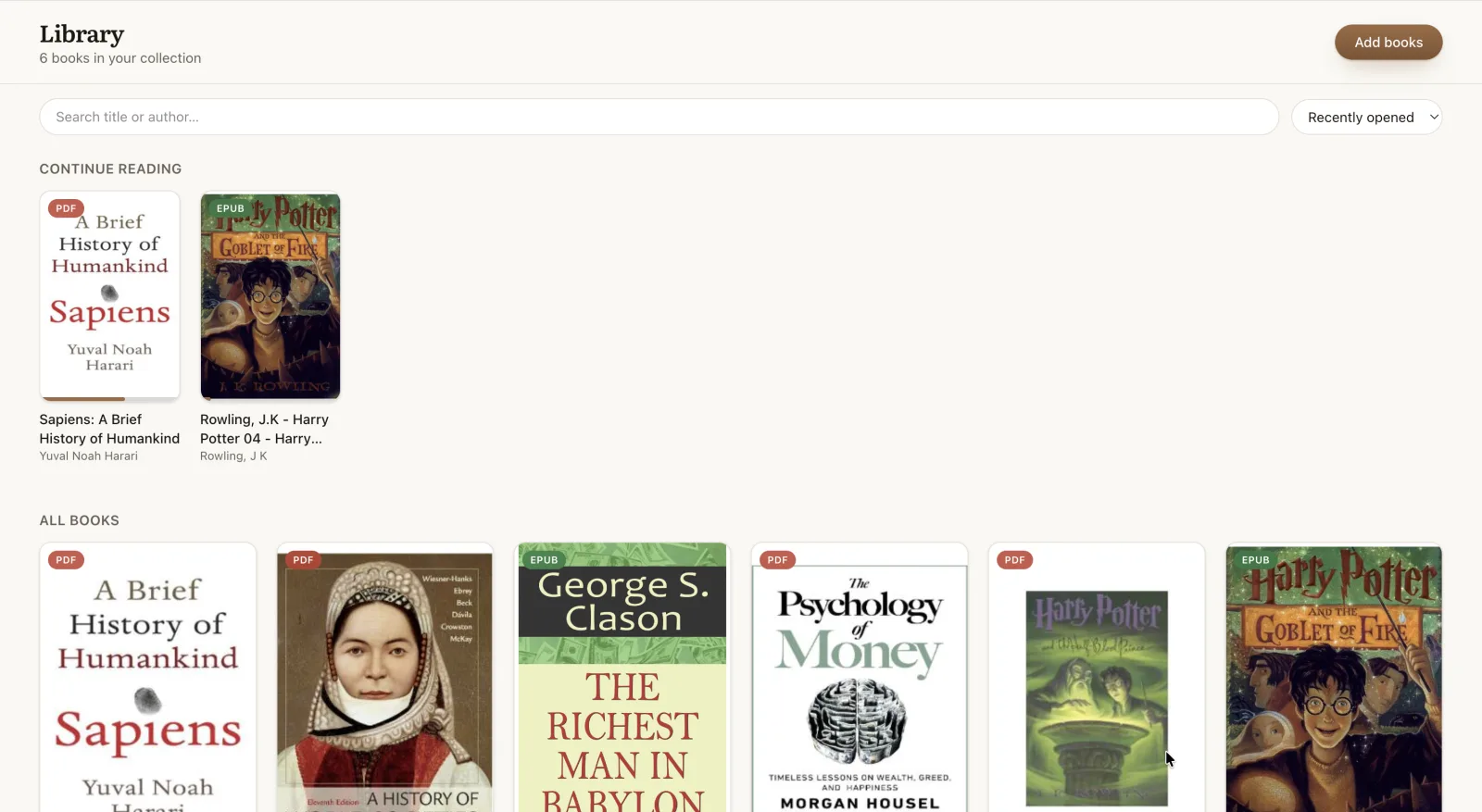
What changes after you open it
- Highlights and notes: select text, choose a color, and attach context while you read.
- A remembered place: return to the page where you stopped instead of finding it again in Drive.
- Offline access: once added and opened, the book is available from the browser library without a connection.
- A single reader for PDFs and EPUBs: no separate tool when the next file is an ebook.
Keep Drive as your backup
The free reader keeps books locally on the device. Pro adds optional backup and sync to a ReadHere folder in your own Google Drive. The app uses Google's drive.file permission, so it can work with the files it creates without seeing unrelated files in your Drive.
For EPUB files and the full backup workflow, see the Google Drive ebook reader guide. If you want to prepare a reading library before travelling, see how offline reading works.
Common questions
Can I open a PDF stored in Google Drive?
Yes. Download the PDF or drag it from your Drive folder into ReadHere. The reader stores it on your device so you can open it again even when you are offline.
Does ReadHere browse all of my Google Drive?
No. With Pro, ReadHere uses Google’s drive.file permission and can access only the ReadHere files and folder it creates. It cannot inspect the rest of your Drive.
Can I highlight PDFs from Google Drive?
Yes. Open the PDF in ReadHere, select text, and add a colored highlight or note. Your reading position and notes are saved on the device.
Do I need Pro to read a PDF from Drive?
No. Reading and annotation are free. Pro adds backup and cross-device sync through your own Google Drive.
Open your PDF from Drive
Add the PDF to your browser library and start reading free - no account or app-store install.